SimEyeSee Logo

Bambu Lab EmBlazeGuard Panel

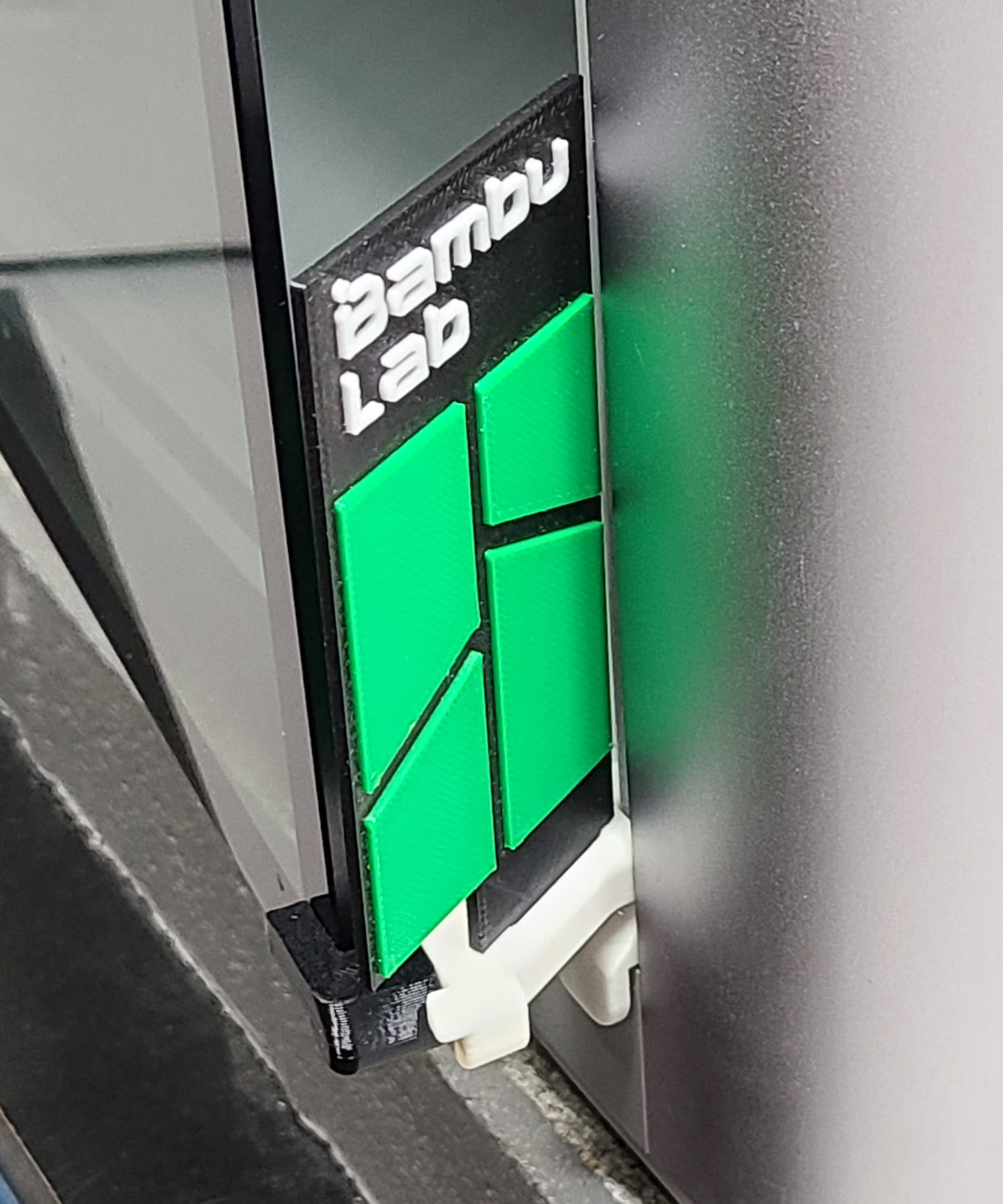
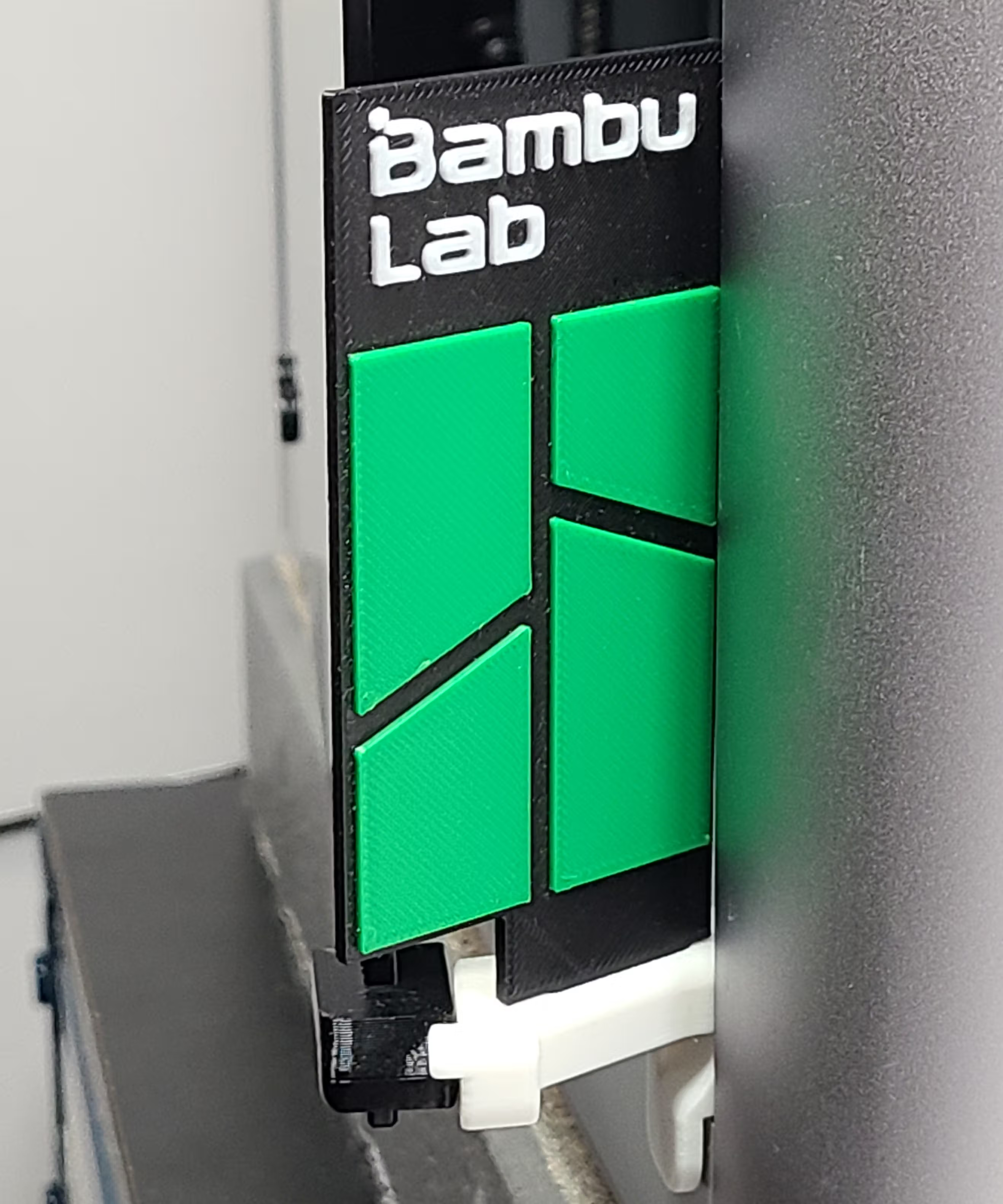
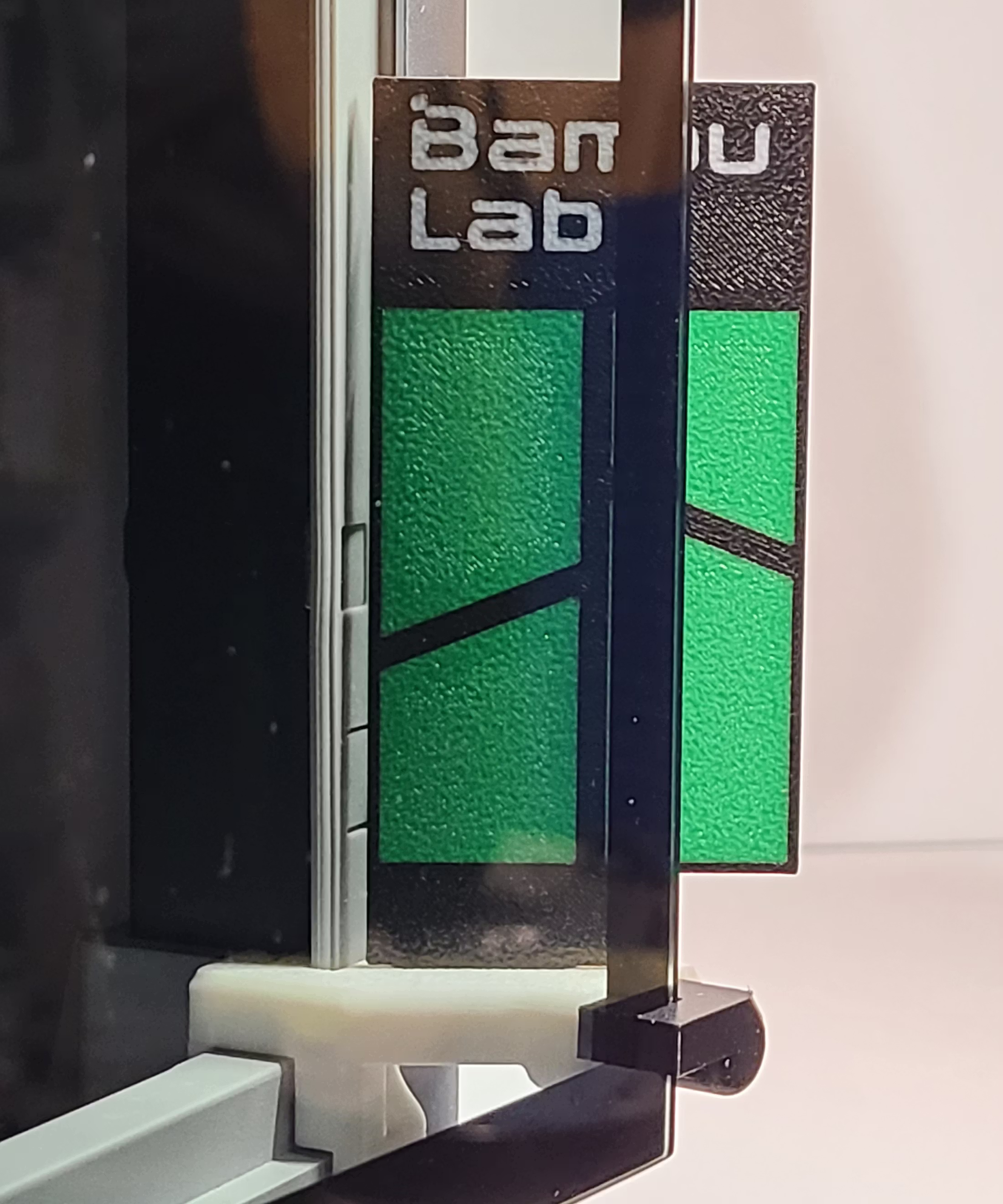
A clean, brand-aligned panel with segmented green accents and sharp geometry for a modern “official accessory” look—while keeping the open door highly visible.

Overview

The Bambu Lab EmBlazeGuard Panel is a clean, brand-aligned option that complements the design language of Bambu Lab printers. Segmented green accents and sharp geometry give it an “official accessory” feel while maintaining EmBlazeGuard’s high-visibility door-open warning.

This panel is part of the EmBlazeGuard Door Holder system for Bambu Lab X1 & P1 series printers. For system overview and installation instructions, see: SimEyeSee.com/EmBlazeGuard

Back to Top

Printing Notes

Recommended Setup

  • Material: PLA
  • Orientation: Print face-up as provided
  • Supports: Not required
  • Recommended colors: Black base with Bambu-green accents
  • Auxiliary part cooling fan: 70%

For general EmBlazeGuard printing guidance (holder + latch fork), see: SimEyeSee.com/EmBlazeGuard/#Printing

Process Settings Used (Bambu Studio)

  • Wall generator: Arachne
  • Wall loops: 3
  • Top shell layers: 6
  • Bottom shell layers: 5
  • Sparse infill density: 30%
  • Sparse infill pattern: Honeycomb

Cooling (All Filaments)

  • Auxiliary part cooling fan: 70%
  • Special cooling (first 1 mm / 5 layers): 0% Fan Speed

Retraction (As Used)

  • Length: 1.7 mm
  • Z hop when retract: 0.4 mm
  • Z Hop Type: Normal
  • Retraction speed: 33 mm/s
  • Deretraction speed: 33 mm/s
  • Length when change hotend: 14 mm
  • Travel distance threshold: 1 mm
  • Retract when change layer: Enabled
  • Long retraction when cut (experimental): Enabled
  • Retraction distance when cut: 18
Back to Top

SimEyeSee WarpShield: Time & Material Impact

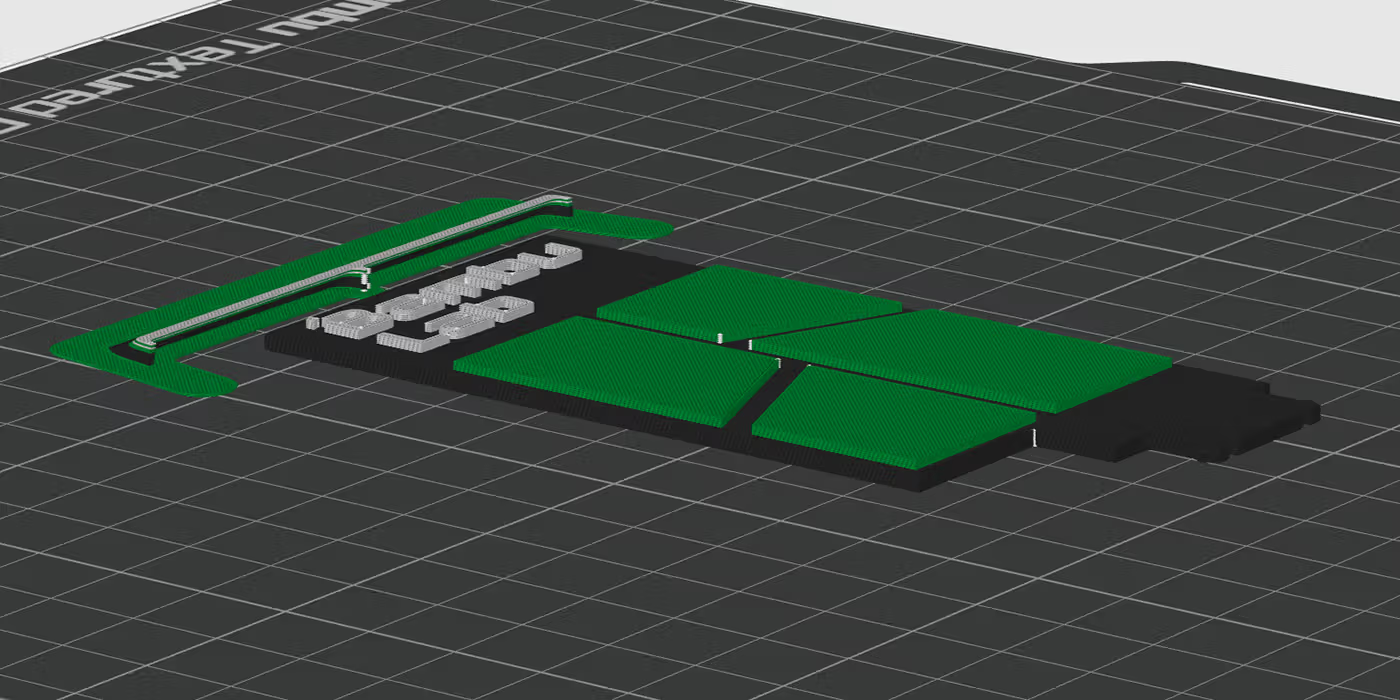
A SimEyeSee WarpShield is included with this panel so the auxiliary fan can be safely set to 70% for improved edges, surface quality, and fine detail—without fan-side warping. For more information, see the SimEyeSee WarpShield page.

WarpShield

The included 3MF is already configured using the settings described in the WarpShield Instructions.

⚠️ WARNING: If the WarpShield is not used, set the auxiliary fan to 0% to prevent fan-side warping or distortion.

Bambu Lab Panel: Measured Results

The values below describe the total print (panel + WarpShield), and how much the WarpShield adds. Material breakdown distinguishes normal flush to the chute from purge redirected to the WarpShield instead of being discarded.

  • Total print time (panel + WarpShield): 48m 11s
  • WarpShield time added: 2 minutes
  • Total filament used (panel + WarpShield): 18.94 g
  • Flushed to chute (regular waste): 4.83 g
  • WarpShield total: 1.44 g
  • Purge redirected to WarpShield: 1.07 g
  • Extra WarpShield material: 0.37 g

Note: For multi-color prints, some of the purge that would normally be flushed to the chute can instead become part of the WarpShield. The flush volume itself is unchanged; the difference is that some of that material is purge redirected into a useful object rather than being discarded as waste.

Back to Top

Licensing

This EmBlazeGuard panel is provided as a remixable design and is licensed under Creative Commons Attribution (CC BY).

This license allows remixing, modification, and redistribution with attribution.

Important: Any remixed panel must maintain EmBlazeGuard’s visibility requirements, including extending visibly past the door on both sides.

For licensing and remix guidelines, see: SimEyeSee.com/EmBlazeGuard/#Remix-Licensing

Back to Top