SimEyeSee Logo

Field Goal EmBlazeGuard Panel

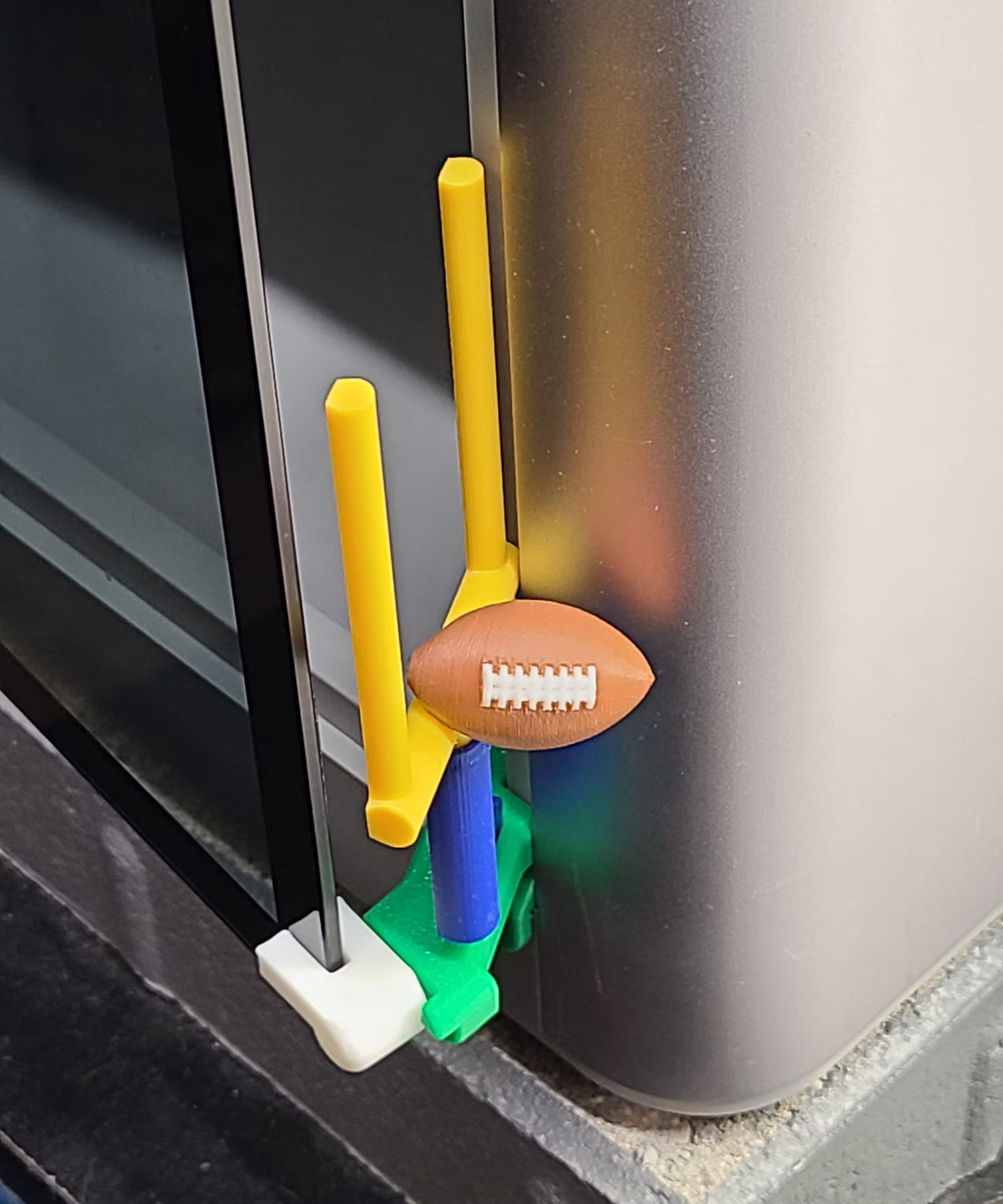
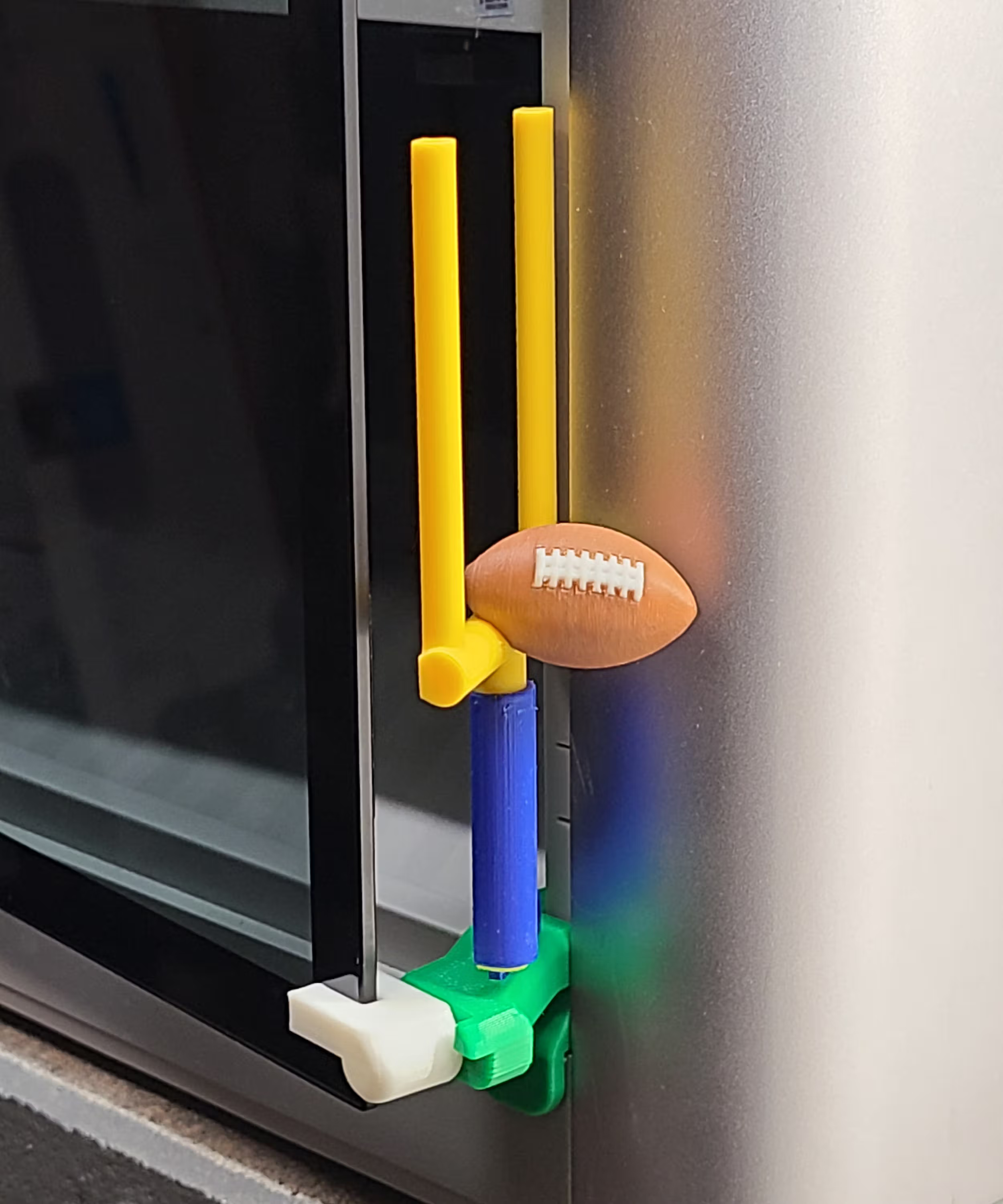
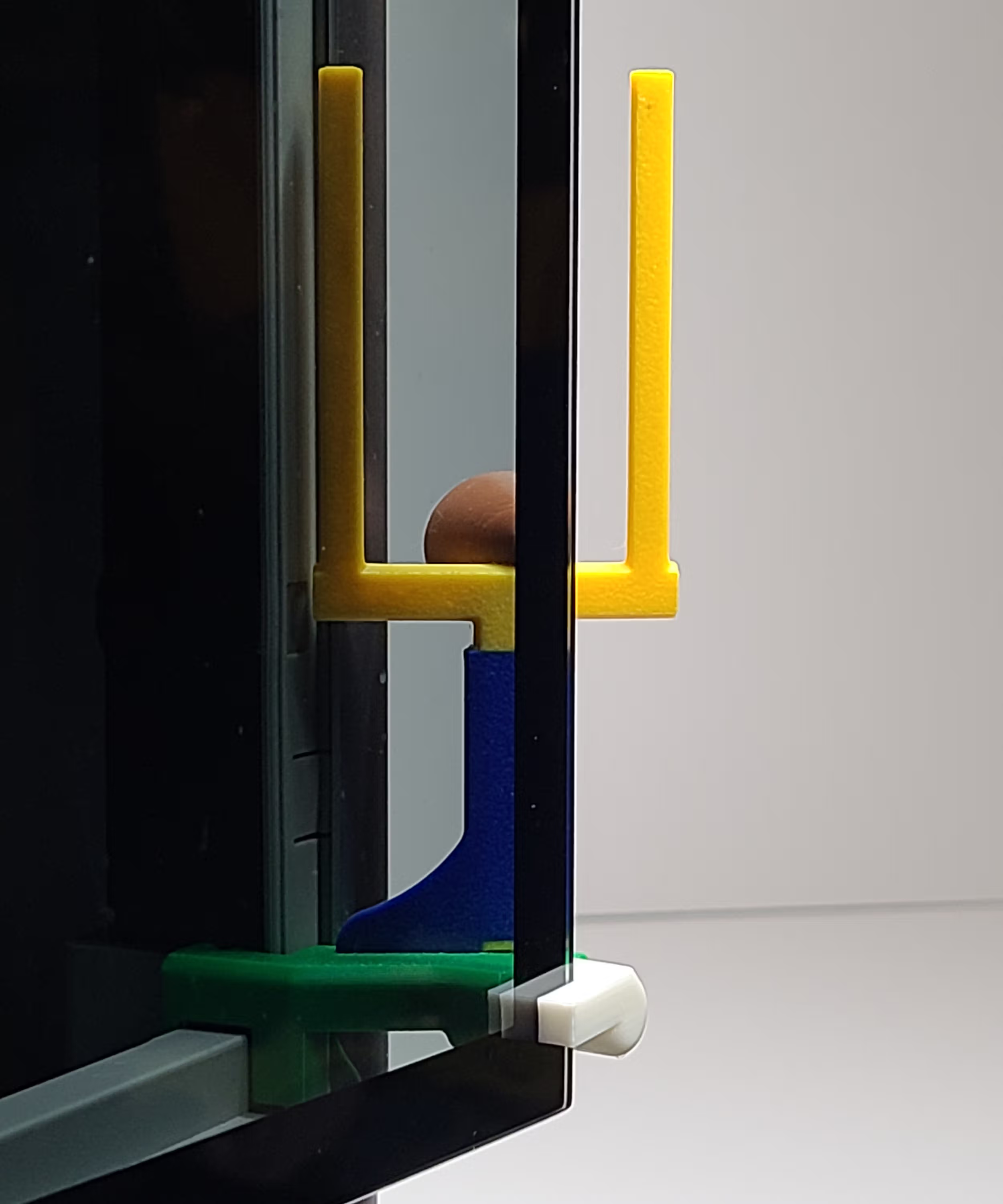
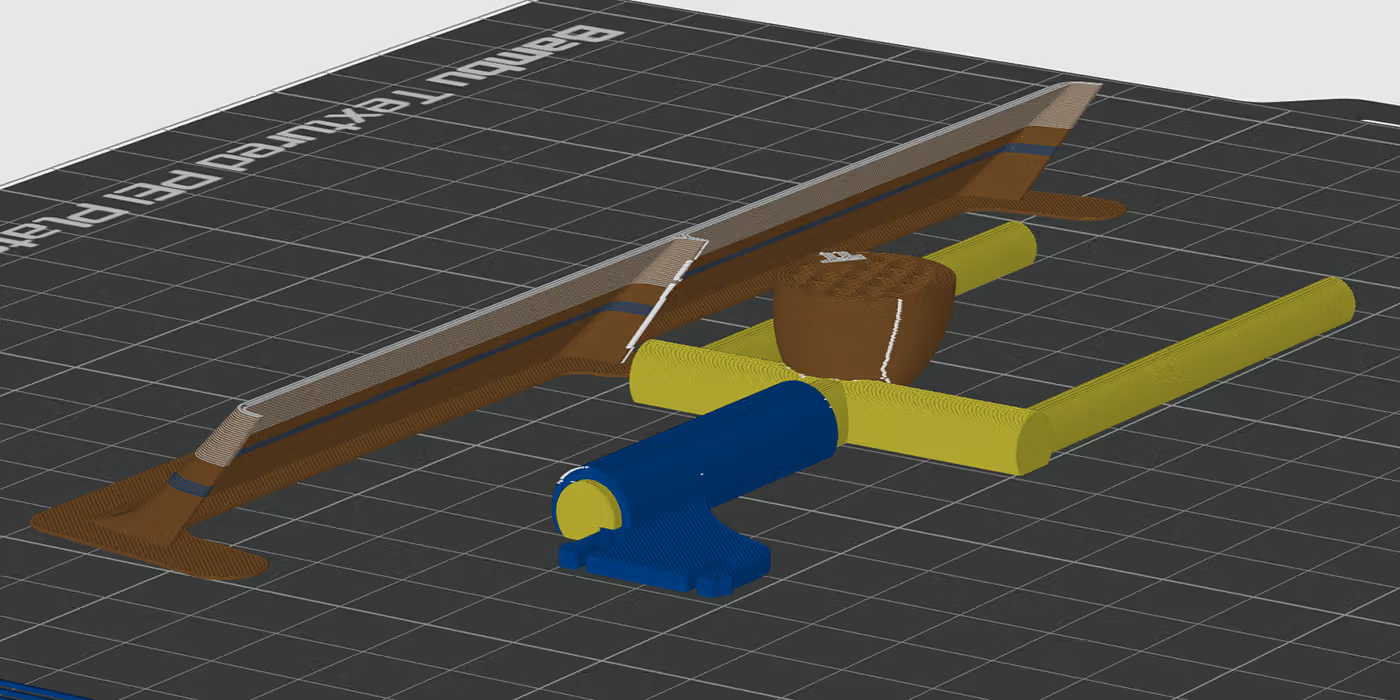
A bold, playful sports-themed panel designed for high visibility and durability. The football is structurally anchored into the post for strength without requiring supports.

Overview

The Field Goal EmBlazeGuard Panel adds a fun, sports-inspired visual while still serving its primary purpose: clearly indicating that the printer door is open.

Designed to be both decorative and durable, this panel is well suited for home setups, shared spaces, and makerspaces where personality matters.

This panel is part of the EmBlazeGuard Door Holder system for Bambu Lab X1 & P1 series printers. For system overview and installation instructions, see: SimEyeSee.com/EmBlazeGuard

Back to Top

Seam Placement (Football Detail)

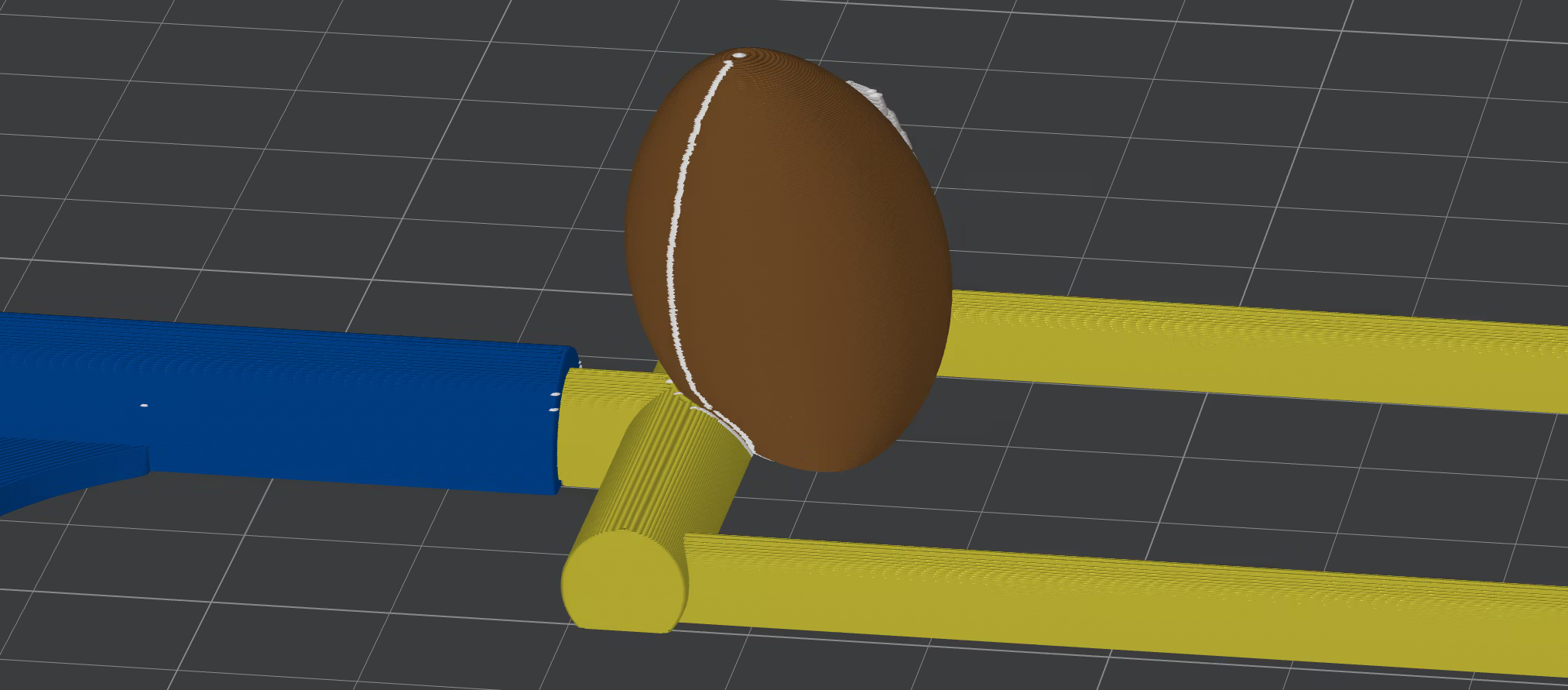
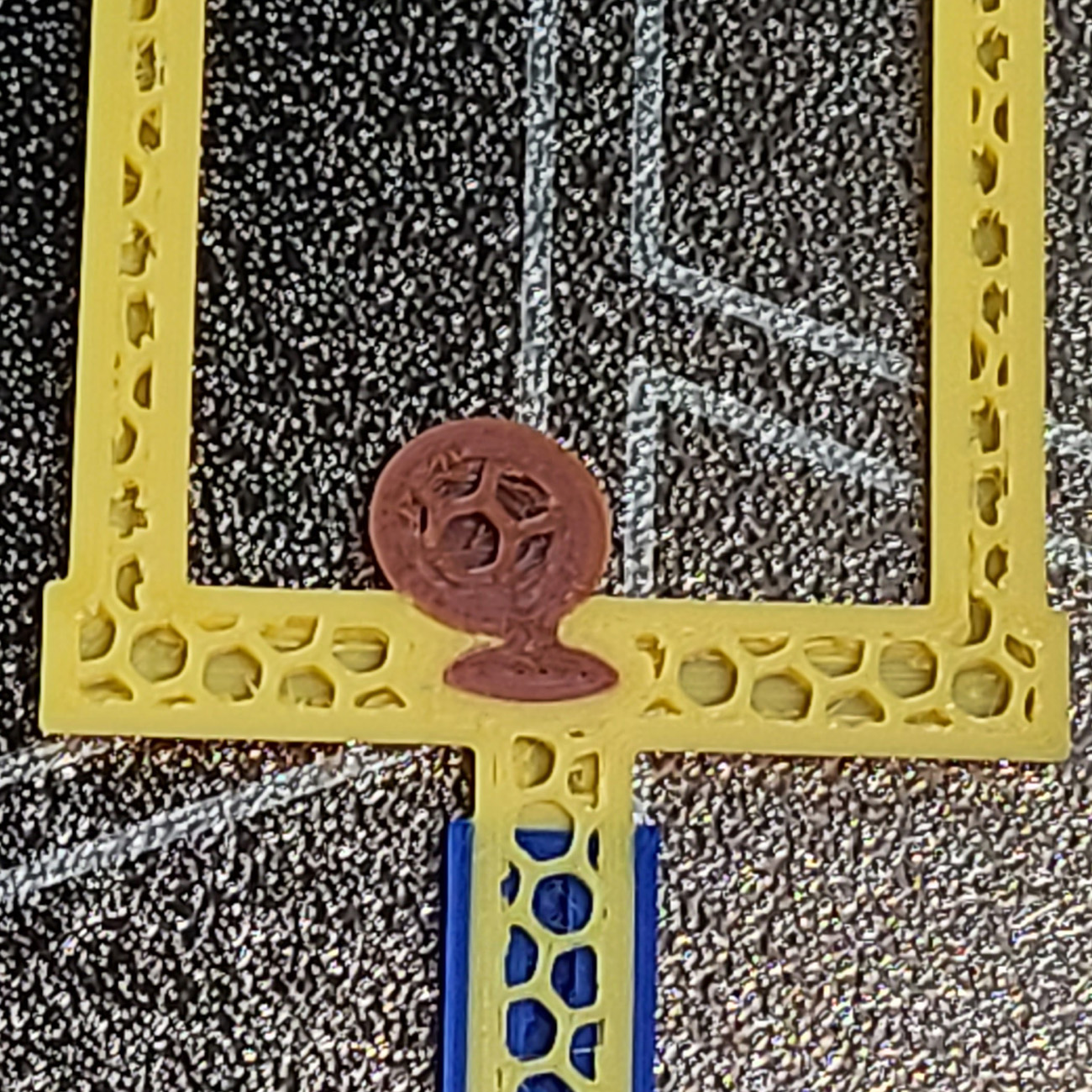
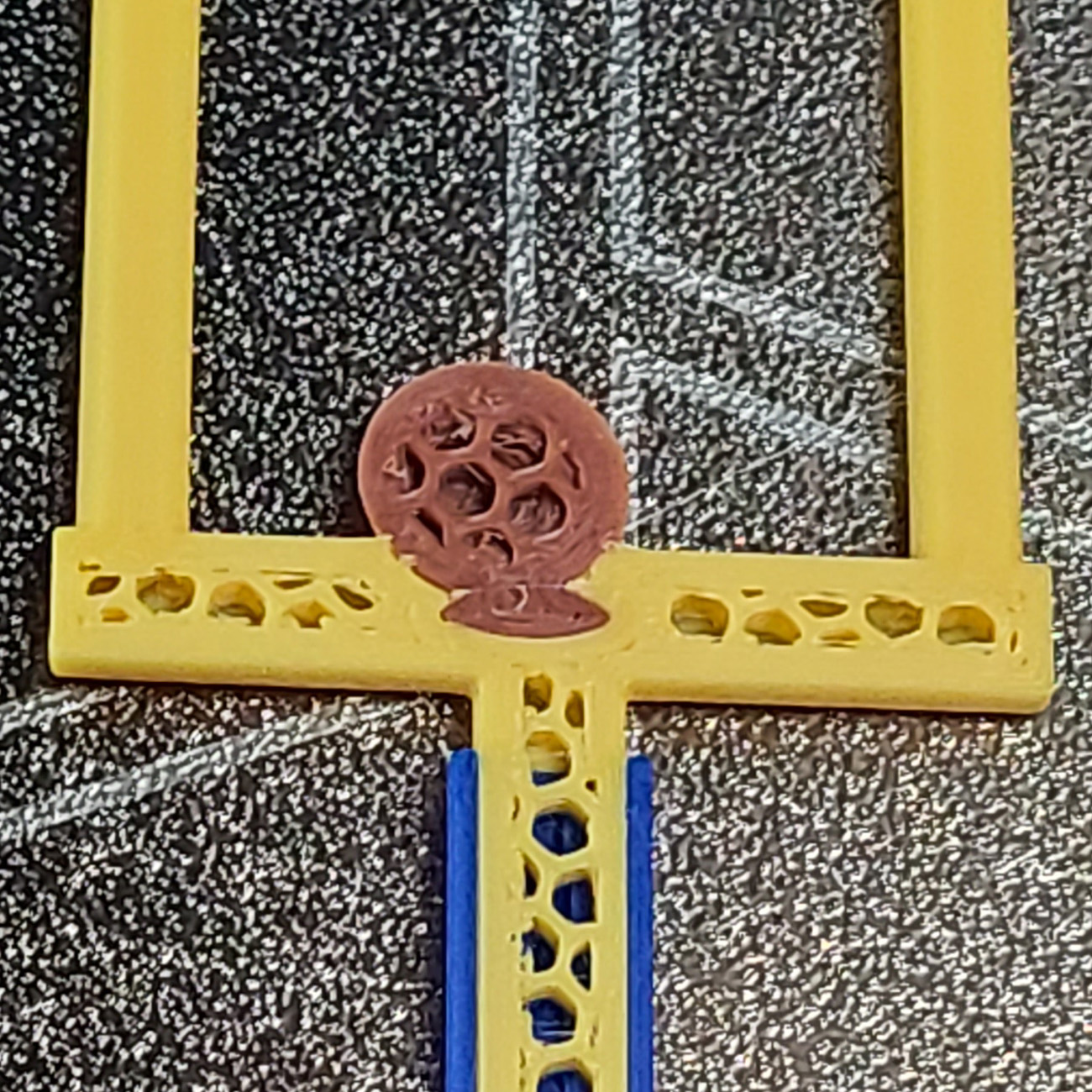
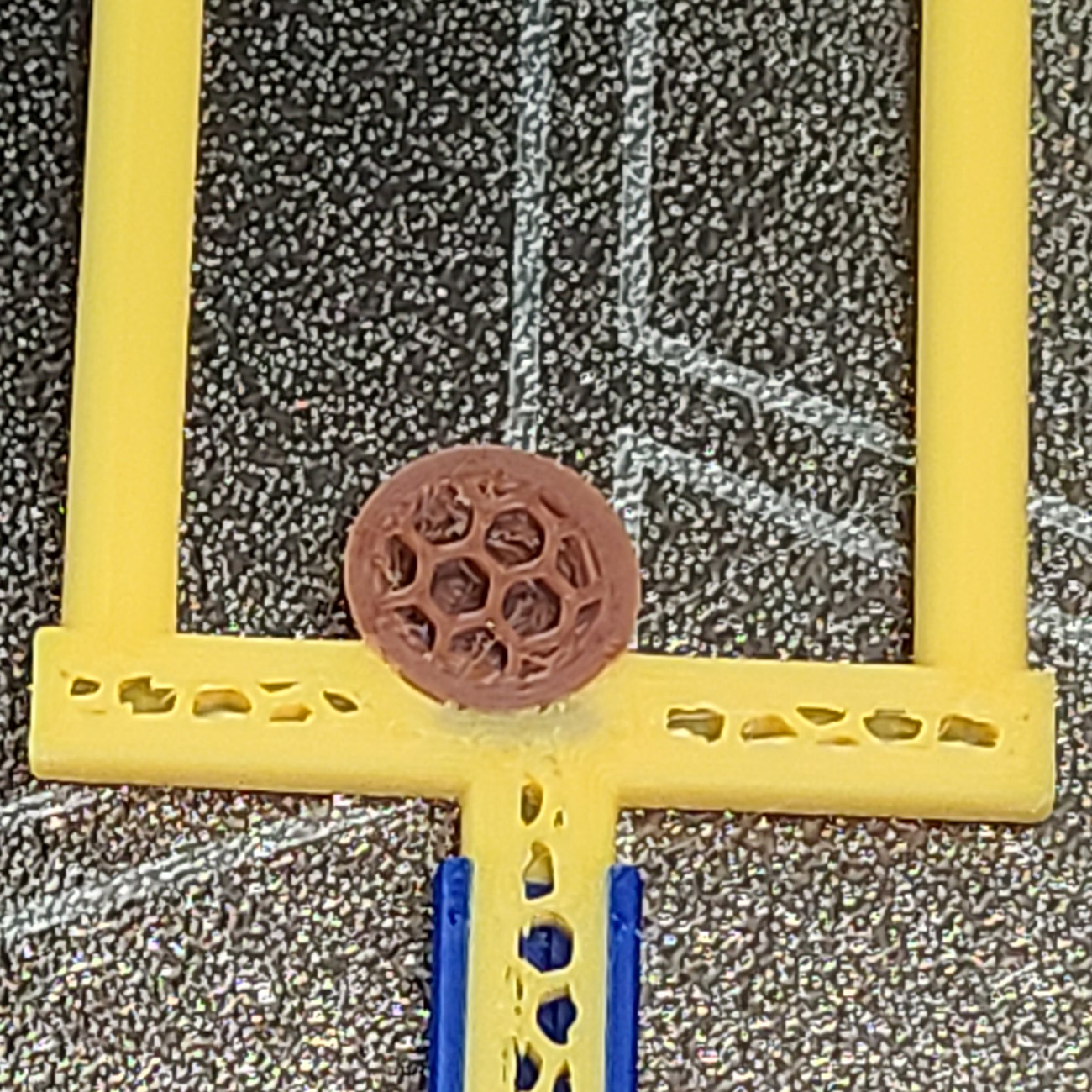
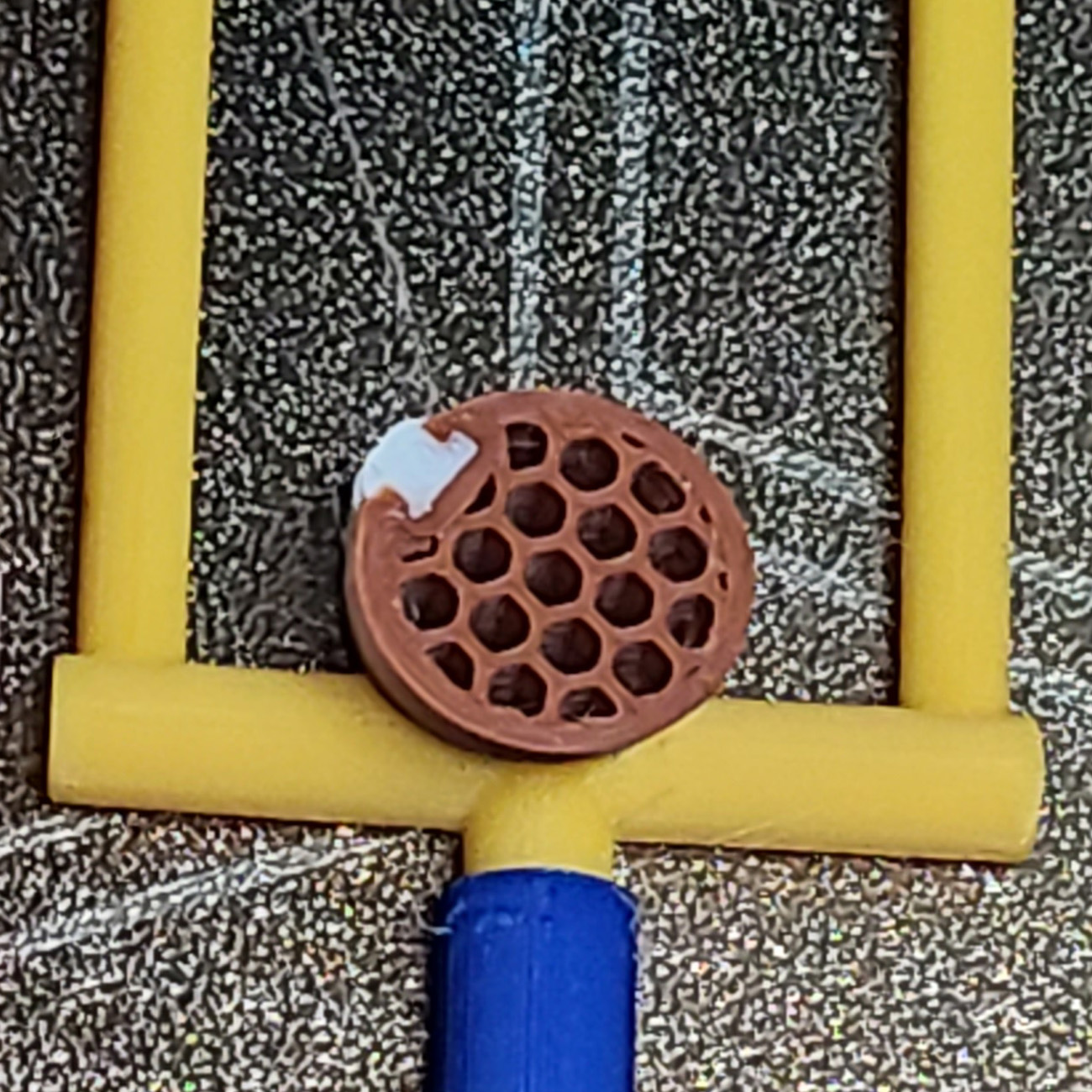
The seam on the football is intentionally placed on the rear, least-visible side, facing toward the goal post. From normal viewing angles, the seam is hidden, keeping the football clean and visually smooth.

In the included Bambu Studio 3MF, this seam placement is already configured. No manual seam adjustments are required if you print the file as provided.

Field Goal panel football seam placement

If Seam Painting Is Changed or Lost

If the seam painting is ever changed, removed, or not preserved, use Bambu Studio’s Seam Painting tool (optionally with Section View enabled) to move the seam back to the rear-facing side of the football.

At minimum, without using Section View, paint the seam onto the least-visible rear surface so it remains hidden from normal viewing angles.

Back to Top

Design Detail: Anchored Football

The football is intentionally designed to be structurally anchored into the field goal post rather than simply resting on the surface.

Internal geometry allows the football to print into and through the post, forming a reinforced connection that significantly reduces the risk of breakage during handling or removal.

Back to Top

Printing Notes

Recommended Setup

  • Material: PLA
  • Orientation: Print face-up as provided
  • Supports: Not required
  • Auxiliary part cooling fan: 70%

Football Brim Option (Two Versions)

This panel is available in two versions: with a built-in brim around the football, and without. The football can occasionally lift off the build plate before it attaches to the goal post.

  • No-brim version: Best rear-side appearance, but slightly higher risk if plate adhesion is marginal.
  • Brim version: Improved adhesion reliability for the football, especially if the plate is not perfectly clean.

If your build plate is clean and adhesion is strong, the no-brim version is usually fine. If you want maximum reliability, use the brim version.

For general EmBlazeGuard printing guidance (holder + latch fork), see: SimEyeSee.com/EmBlazeGuard/#Printing

Process Settings Used (Bambu Studio)

  • Layer height: 0.10 mm
  • Initial layer height: 0.10 mm
  • Wall generator: Arachne
  • Wall loops: 3
  • Top shell layers: 6
  • Bottom shell layers: 6
  • Sparse infill density: 25%
  • Sparse infill pattern: Honeycomb

Cooling (All Filaments)

  • Auxiliary part cooling fan: 70%
  • Special cooling (first 1 mm / 10 layers): 0% Fan Speed

Retraction (As Used)

  • Length: 1.7 mm
  • Z hop when retract: 0.4 mm
  • Z Hop Type: Normal
  • Retraction speed: 33 mm/s
  • Deretraction speed: 33 mm/s
  • Length when change hotend: 14 mm
  • Travel distance threshold: 1 mm
  • Retract when change layer: Enabled
  • Long retraction when cut (experimental): Enabled
  • Retraction distance when cut: 18
Back to Top

SimEyeSee WarpShield: Time & Material Impact

A SimEyeSee WarpShield is included with this panel so the auxiliary fan can be safely set to 70% for improved edges, surface quality, and fine detail—without fan-side warping. For more information, see the SimEyeSee WarpShield page.

WarpShield

The included 3MF is already configured using the settings described in the WarpShield Instructions.

⚠️ WARNING: If the WarpShield is not used, set the auxiliary fan to 0% to prevent fan-side warping or distortion.

Field Goal Panel: Measured Results

The values below describe the total print (panel + WarpShield), and how much the WarpShield adds. Material breakdown distinguishes normal flush to the chute from purge redirected to the WarpShield instead of being discarded.

  • Total print time (panel + WarpShield): 9h 24m
  • WarpShield time added: 15 minutes
  • Total filament used (panel + WarpShield): 135.45 g
  • Flushed to chute (regular waste): 102.95 g
  • WarpShield total: 9.20 g
  • Purge redirected to WarpShield: 7.44 g
  • Extra WarpShield material: 1.76 g

Note: For multi-color prints, most of the WarpShield is built from purge that would normally be flushed to the chute. The flush volume itself is unchanged; the difference is that some of that material is purge redirected into a useful object rather than being discarded as waste.

The brim and no-brim versions measure essentially the same for time and material; the differences are insignificant.

Back to Top

Licensing

This EmBlazeGuard panel is an official SimEyeSee design and is licensed under Creative Commons Attribution–NoDerivatives (CC BY-ND).

This license allows sharing and printing with attribution, but does not permit modification, remixing, or the creation of derivative works of this panel.

For remixable panels and remix guidelines, see: SimEyeSee.com/EmBlazeGuard/#Remix-Licensing

Back to Top