SimEyeSee Logo

Vortex-Matrix EmBlazeGuard Panel

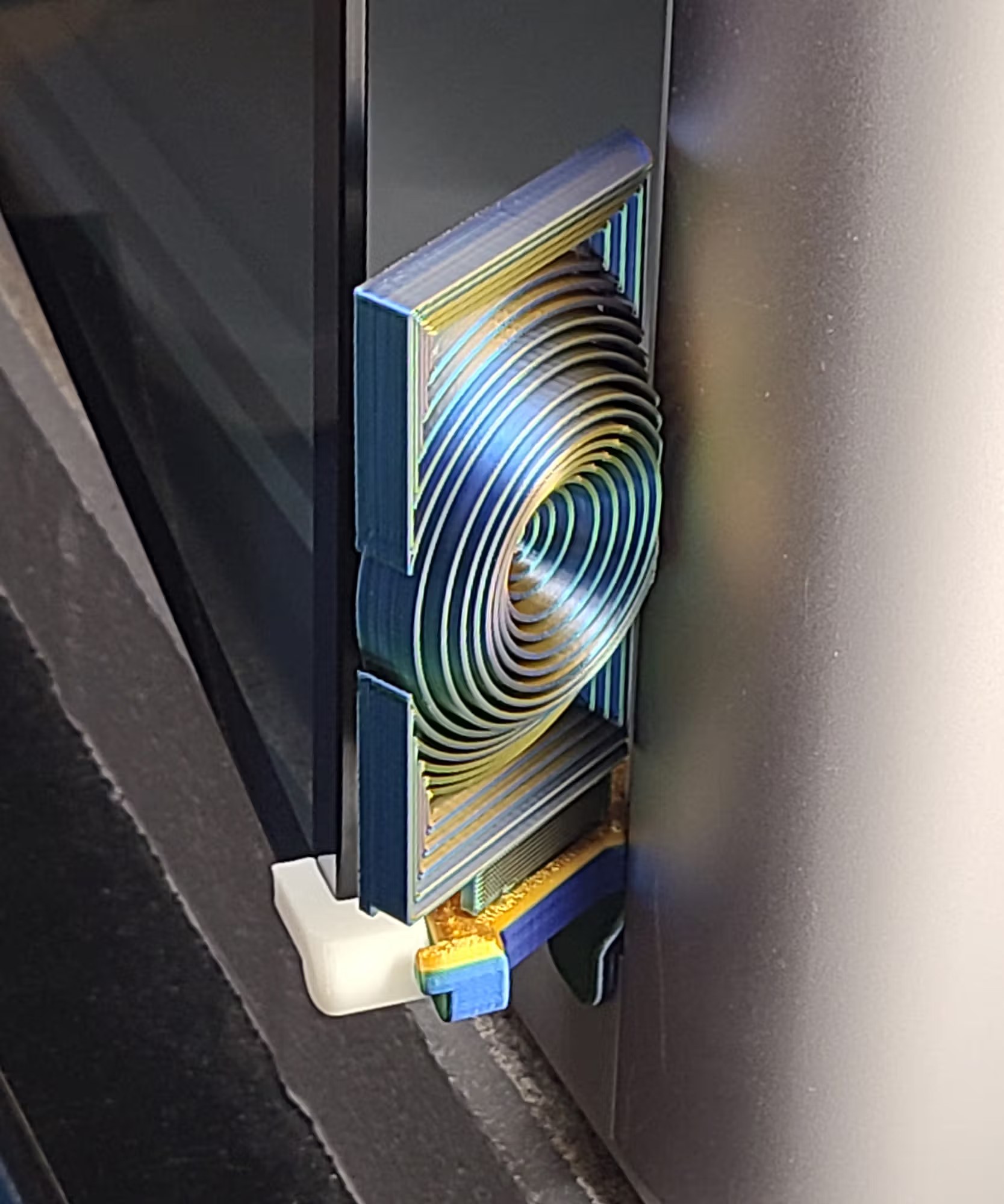
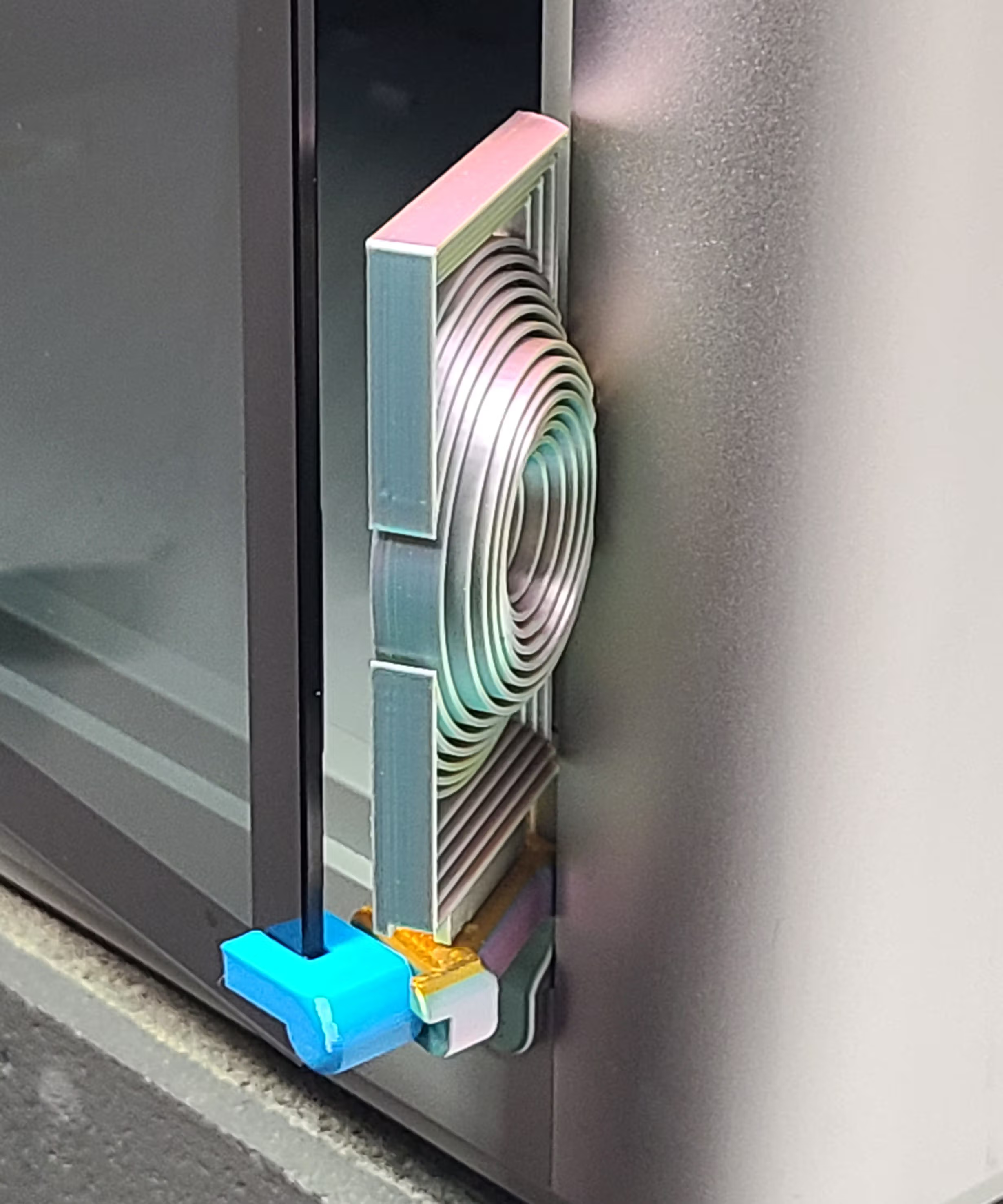
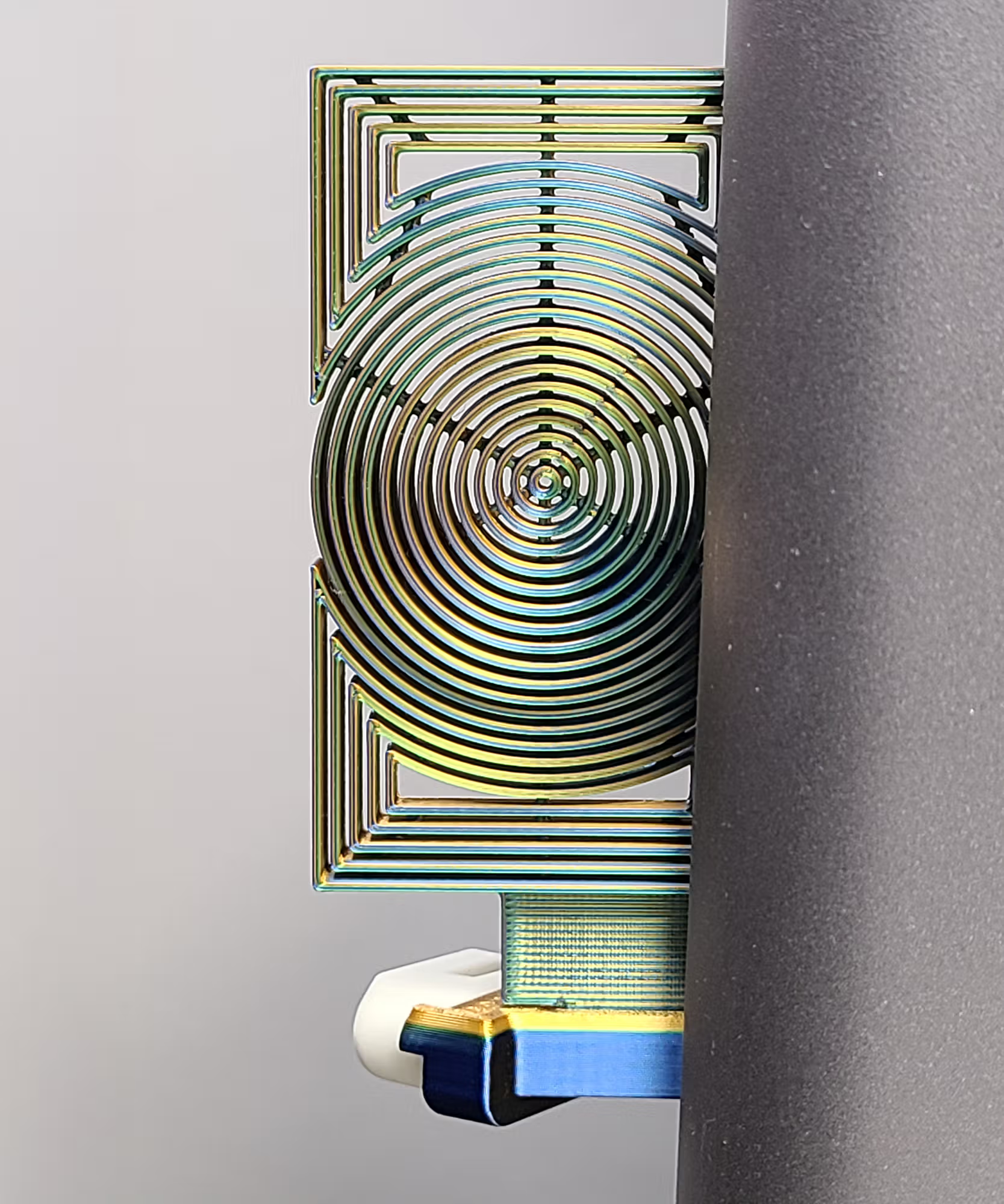
The Vortex-Matrix panel uses nested concentric circles within a clean rectangular frame, creating a bold, modern surface that reacts beautifully to silk and tri-color filaments.

Overview

The Vortex-Matrix panel uses nested concentric circles within a clean framed geometry for a crisp, modern look. It is a single-color panel (no Modifiers) and is an excellent showcase for silk and tri-color filaments.

This panel is part of the EmBlazeGuard Door Holder system for Bambu Lab X1 & P1 series printers. For system overview and installation instructions, see: SimEyeSee.com/EmBlazeGuard

For the cleanest finish, use the included 3MF seam placement (details below).

Back to Top
Seam Placement (For a Cleaner Look)

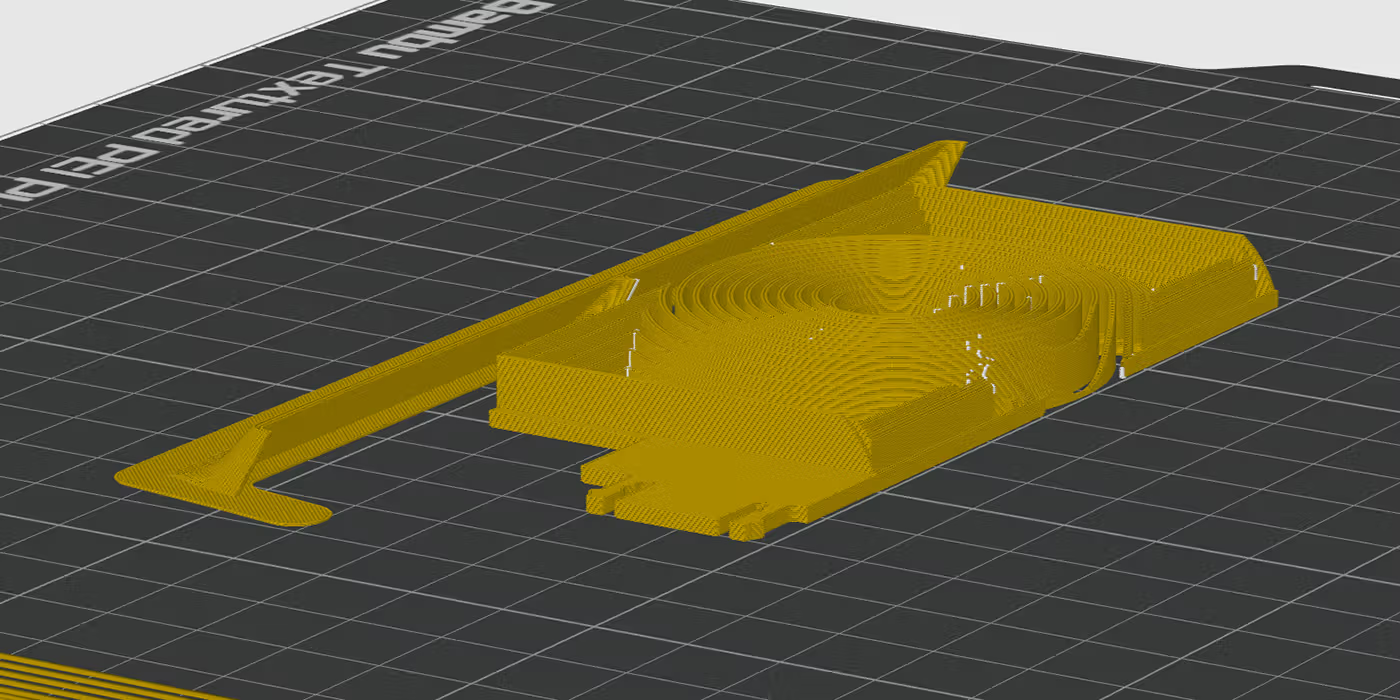
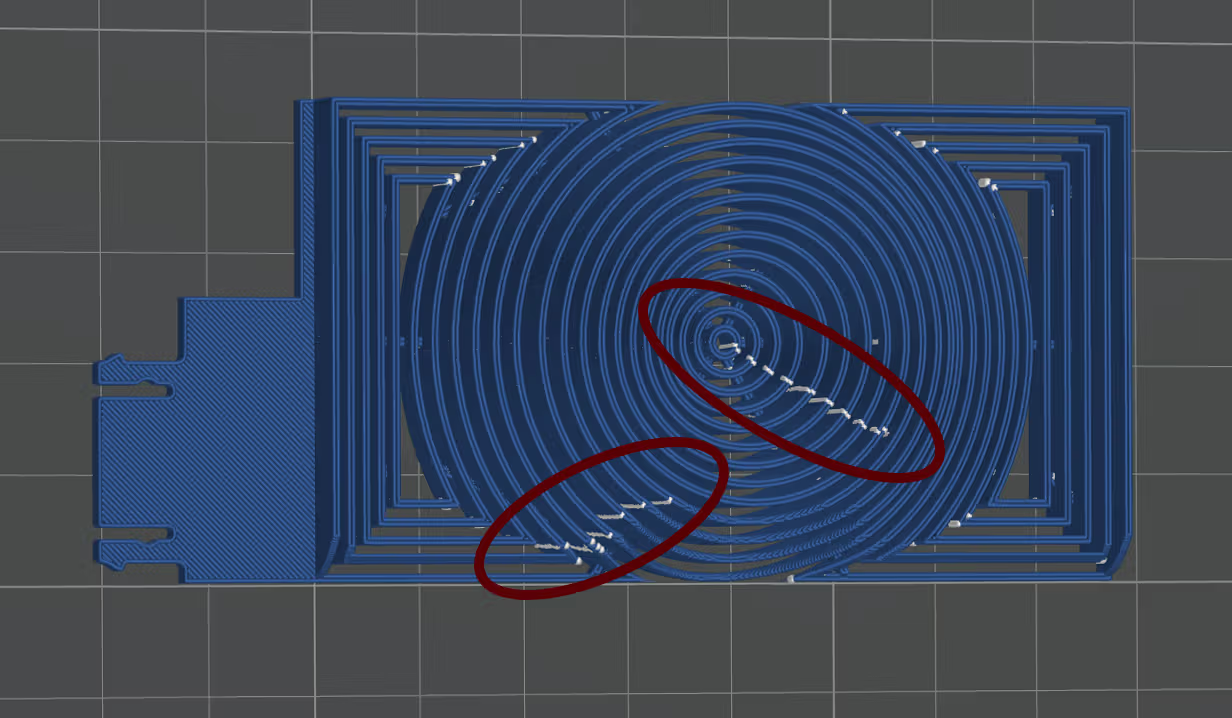
The included 3MF has seams intentionally painted on specific wall regions (shown in the red circles above). These locations are chosen because the normal viewing angle makes the seams less noticeable, helping the Vortex-Matrix look cleaner.

Vortex-Matrix seam painting locations shown in red circles

If Seam Painting Is Changed or Lost

If the seam painting is ever changed, removed, or not preserved, use Bambu Studio’s Seam Painting tool (optionally with Section View enabled) to paint seams onto those wall regions.

At minimum, without using Section View, paint the upper visible wall areas in those regions so the topmost seams land there.

Back to Top

Tri-Color Silk PLA (Optional)

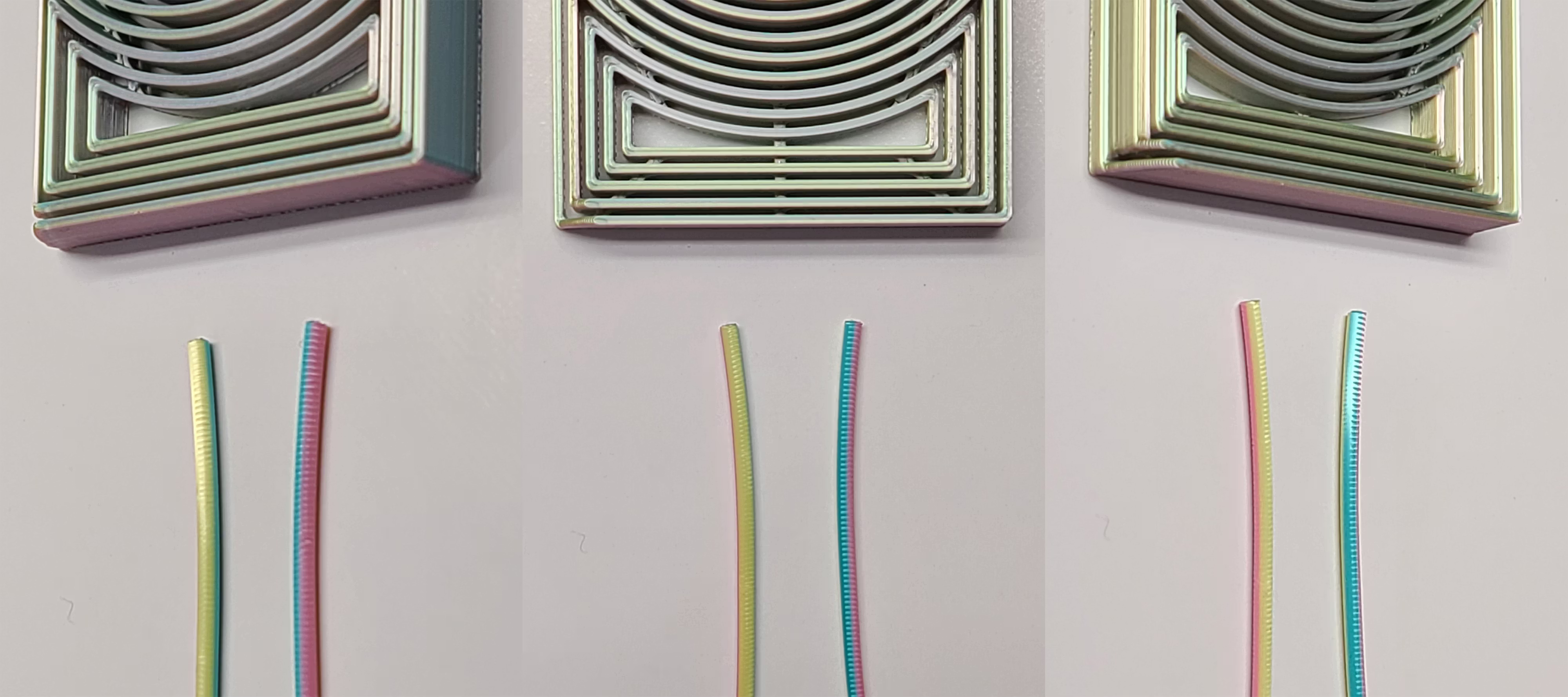
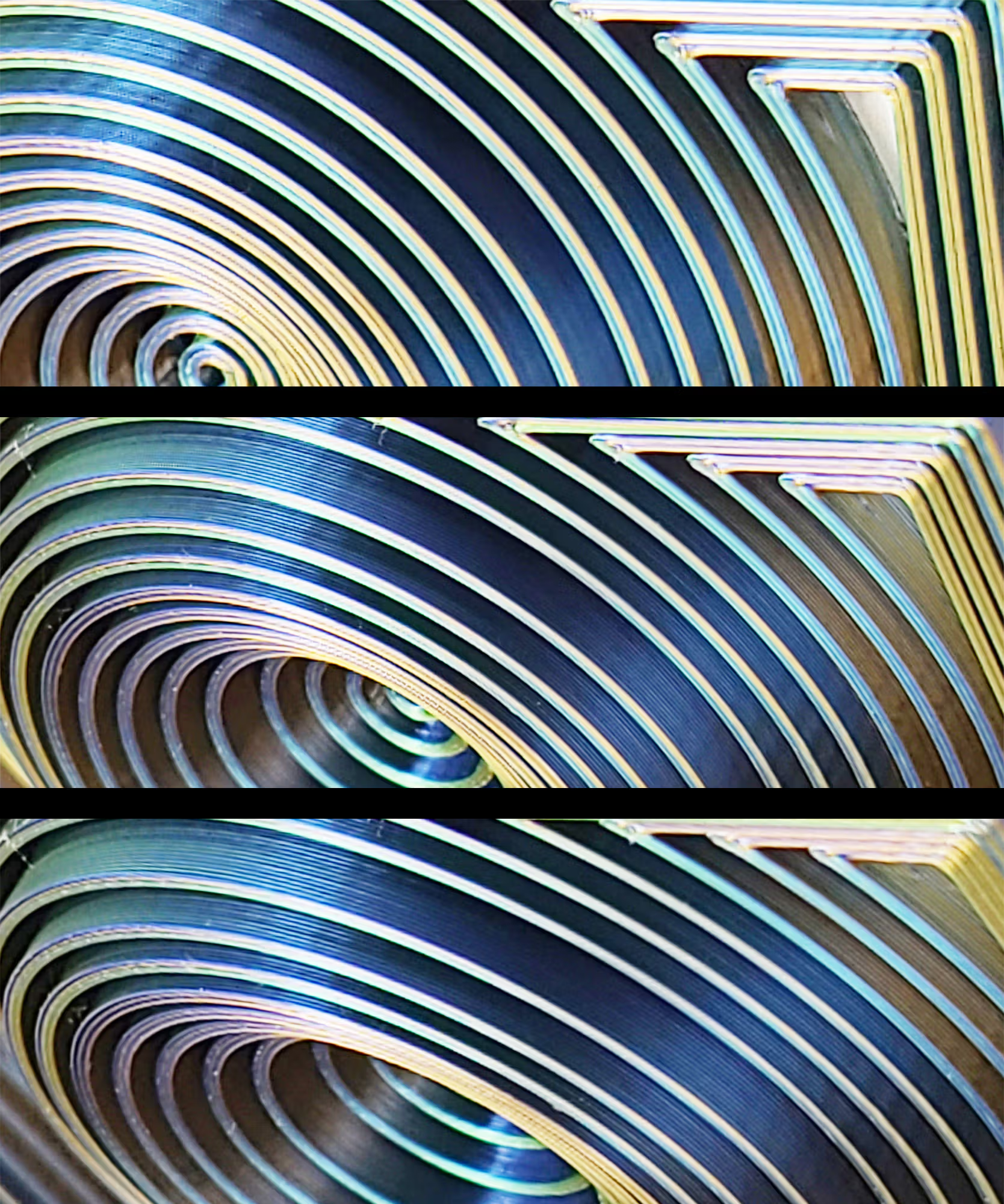
The Tri-Color Vortex-Matrix Panels were printed using two Ziro Tri-Color Silk PLA filaments:

Ziro Tri-Color PLA Silk — Golden-Oasis

Ziro Tri-Color PLA Silk — Golden-Oasis

Ziro Tri-Color PLA Silk — Shimmer

Ziro Tri-Color PLA Silk — Shimmer

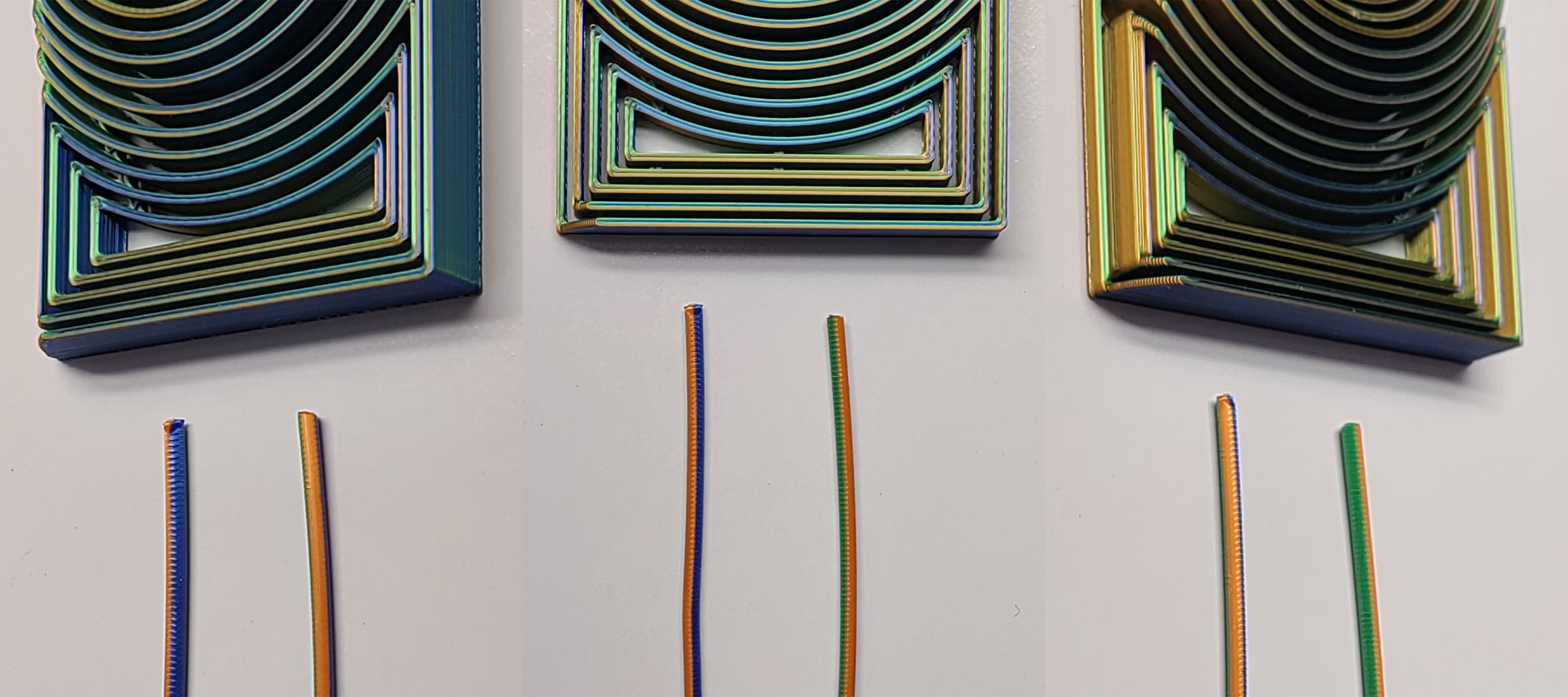
Each image above contains three views of the same printed part and filament samples, photographed from different angles to show how the appearance changes with viewing angle.

These are single tri-color filaments that produce multiple colors at once. The effect comes from how different portions of the filament’s cross-section are exposed on the printed surface, rather than from color changes along the length of the filament over time.

Both are commonly available on Amazon.

Dialing In the Best Color Orientation

If you use Ziro or another tri-color filament, print a small test cylinder with a raised letter on top so you have a clear orientation mark.

  1. Place the cylinder sideways and hold it so the raised letter area corresponds to where the center of the Vortex-Matrix will be on the printer door.
  2. Rotate the cylinder until you find the nicest color blend from the normal top-left viewing angle.
  3. With the letter pointing up, note which side of the cylinder produces that color blend when printed.
  4. In the slicer, rotate the Vortex-Matrix so the top-left corner of the panel prints in the same direction as the cylinder side you preferred.
Back to Top

Printing Notes

Recommended Setup

  • Material: PLA (silk or tri-color optional)
  • Orientation: Print face-up as provided
  • Supports: Not required
  • Auxiliary part cooling fan: 70%

For general EmBlazeGuard printing guidance (holder + latch fork), see: SimEyeSee.com/EmBlazeGuard/#Printing

Process Settings Used (Bambu Studio)

  • Wall generator: Arachne
  • Wall loops: 3
  • Top shell layers: 5
  • Bottom shell layers: 3
  • Sparse infill density: 35%
  • Sparse infill pattern: Honeycomb

Cooling

  • Auxiliary part cooling fan: 70%
  • Special cooling (first 1 mm / 5 layers): 0% Fan Speed
Back to Top

SimEyeSee WarpShield: Time & Material Impact

A SimEyeSee WarpShield is included with this panel so the auxiliary fan can be safely set to 70% for improved edges, surface quality, and fine detail—without fan-side warping. For more information, see the SimEyeSee WarpShield page.

WarpShield

The included 3MF is already configured using the settings described in the WarpShield Instructions.

⚠️ WARNING: If the WarpShield is not used, set the auxiliary fan to 0% to prevent fan-side warping or distortion.

Vortex-Matrix Panel: Measured Results

This panel is a single-color print, so there is no purge redirected into the WarpShield. The values below describe the total print (panel + WarpShield), and how much the WarpShield adds.

  • Total print time (panel + WarpShield): 41m 40s
  • WarpShield time added: 9.5 minutes
  • Total filament used (panel + WarpShield): 21.05 g
  • WarpShield total: 4.11 g

Note: For single-color prints, the WarpShield’s material is additional because there is no multi-color purge available to redirect.

Back to Top

Licensing

This EmBlazeGuard panel is an official SimEyeSee design and is licensed under Creative Commons Attribution–NoDerivatives (CC BY-ND).

This license allows sharing and printing with attribution, but does not permit modification, remixing, or the creation of derivative works of this panel.

For remixable panels and remix guidelines, see: SimEyeSee.com/EmBlazeGuard/#Remix-Licensing

Back to Top